Apple • Tech

From carry-on bags to ergonomic setups, here's the minimalist and durable gear Pieter Levels (@levelsio) recommends for productivity on the move.
As a prolific indie maker and founder of Nomad List, Pieter Levels (@levelsio) has spent years honing his setup for productivity on the move. His philosophy emphasizes minimalism, durability, and functionality—gear that withstands constant travel without weighing you down. Drawing from his experiences shared on X and his blog, here’s a breakdown of his recommended products (and their modern upgrades), focusing on why he swears by them. These picks are tailored for remote work, ergonomics, and simple daily rituals like brewing coffee. I’ve included updates where versions have evolved since his earlier mentions.
Pieter consistently upgrades to the latest MacBook Pro specs to power his productivity and AI-heavy workflow. As an indie hacker running multiple projects simultaneously, he needs the horsepower to handle local AI model execution, video editing, and intensive development work without slowdowns.
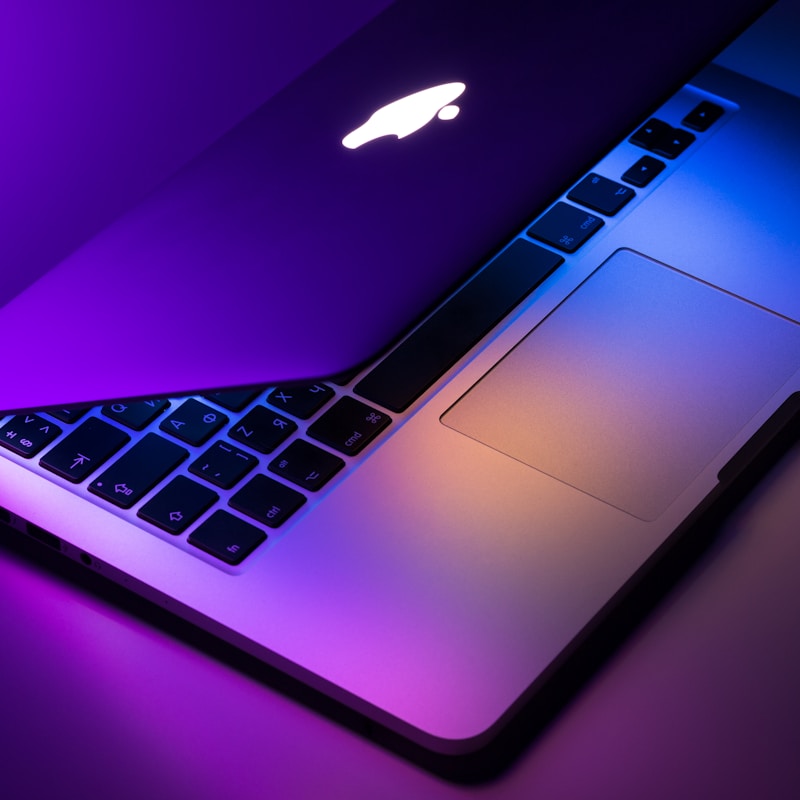
MacBook Pro 16” M4 Max: Pieter’s current setup leverages Apple’s most powerful silicon. The M4 Max chip delivers exceptional performance for running large language models locally, compiling code, and multitasking across dozens of browser tabs and applications. The 16-inch display provides ample screen real estate for coding and design work, while the long battery life ensures he can work from cafes or airports without constantly hunting for outlets. He values the reliability and performance consistency that lets him focus on building rather than troubleshooting hardware issues.
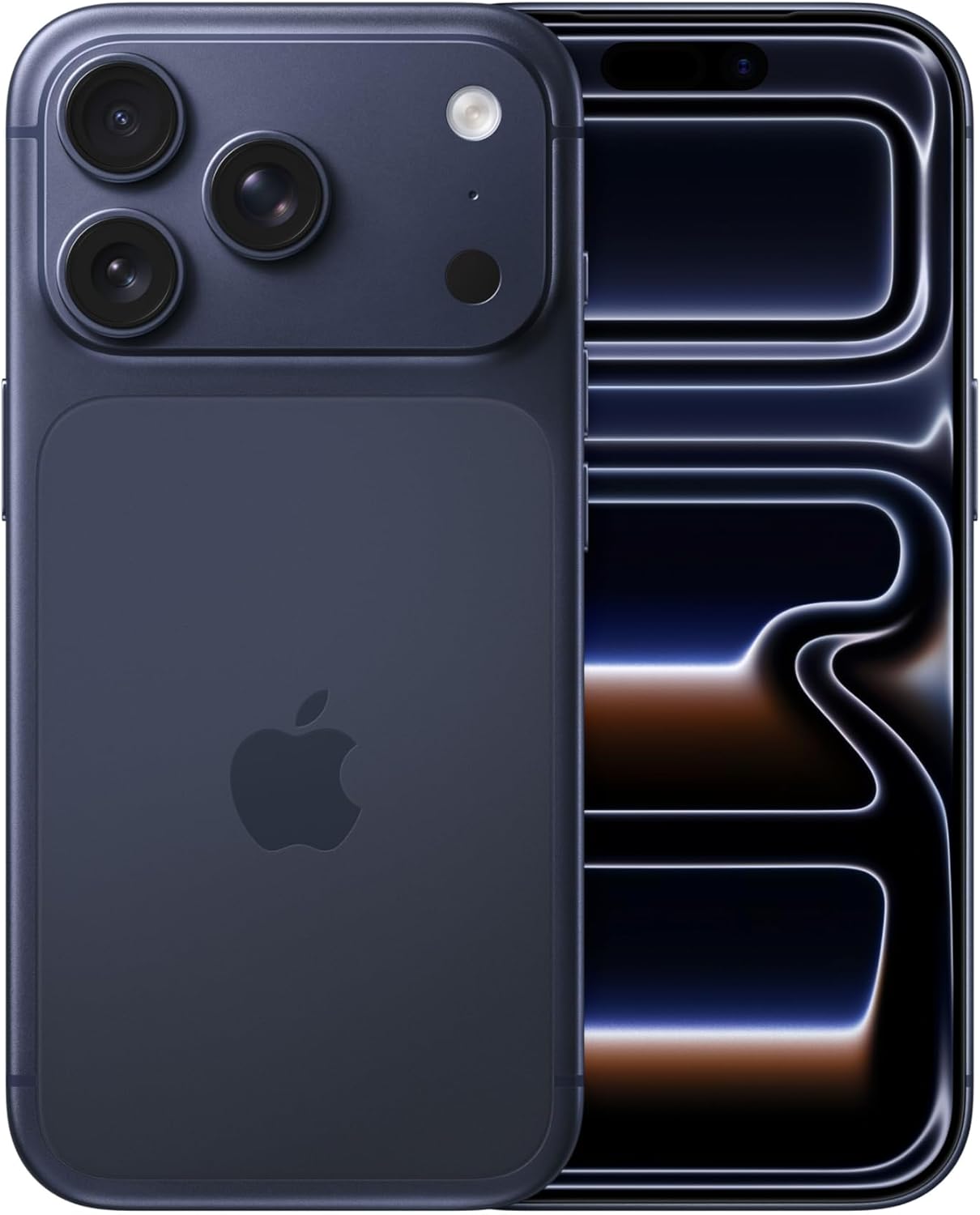
iPhone Pro (Latest Model): Pieter stays current with the latest iPhone Pro for several key reasons. The seamless integration with his Apple ecosystem—syncing effortlessly with his MacBook, AirDrop for quick file transfers, and Handoff for continuing tasks across devices—makes his workflow frictionless. As an all-around device, it handles everything from coding reviews to managing his businesses without compromise. The Pro’s camera system is essential for capturing high-quality photos for social media and documentation on the go. Most importantly, he actively manages his X (Twitter) account from his iPhone, engaging with his audience, sharing updates, and building in public—all while traveling. The reliability and performance ensure he’s never disconnected from his community or projects.
Pieter’s go-to for globetrotting is the Minaal line, designed specifically for digital nomads who need bags that handle airports, co-working spaces, and everything in between.
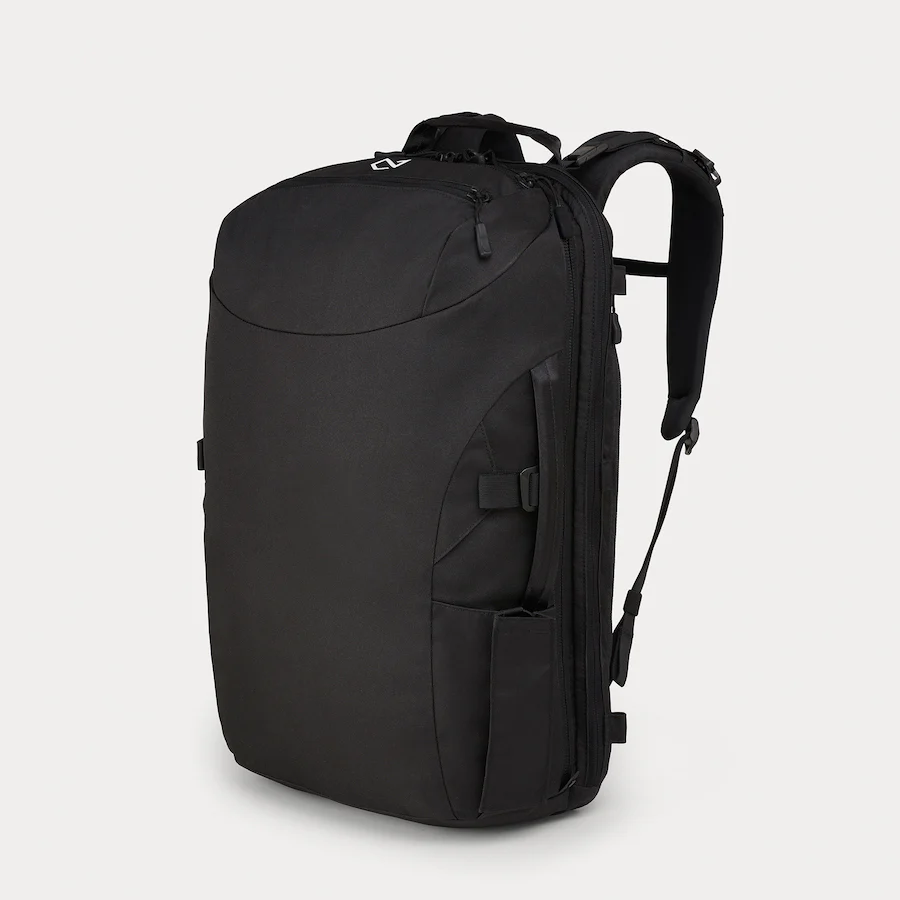
Minaal Carry-on 3.0 (Upgrade from 2.0): Pieter originally praised the 2.0 version for its rugged build, durable zippers that hold up after heavy abuse, and perfect carry-on dimensions (55cm x 35cm x 20cm) to avoid checked baggage fees. At just 7kg when packed, it’s lightweight yet spacious (35L) for extended trips. He loves how it keeps essentials organized without bulk. The 3.0 upgrade adds improved water resistance, better padding, and refined compartments for tech—making it even more travel-proof for his nomadic lifestyle.
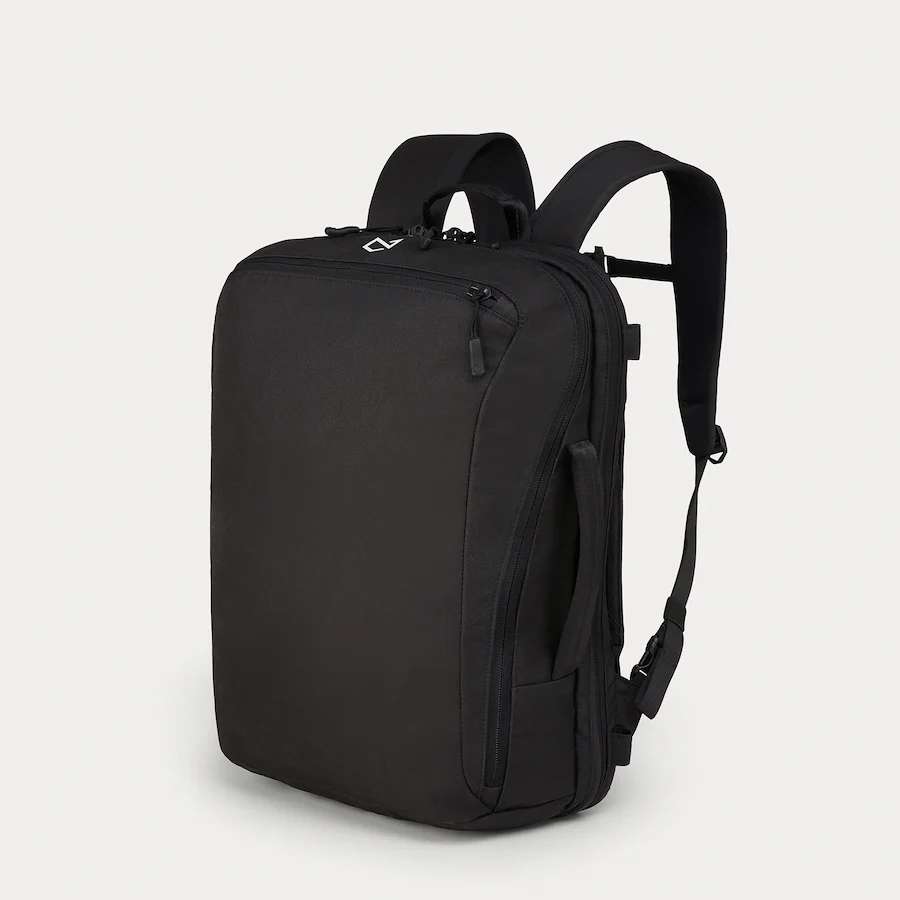
Minaal Daily 3.0 (Upgrade from earlier Daily Bag): For day-to-day use, Pieter attaches a smaller Minaal bag (15-20L) to his carry-on with a simple hairband, leaving the big bag at his accommodation. It’s ideal for carrying a laptop to cafes or co-working spots. He appreciates its minimal design that doesn’t scream “tourist.” The 3.0 version enhances this with sleeker straps, more pockets for quick access, and enhanced durability, aligning with his need for gear that “just works” without fuss.
Pieter often works from anywhere, so ergonomics are key to avoiding strain during long coding sessions.
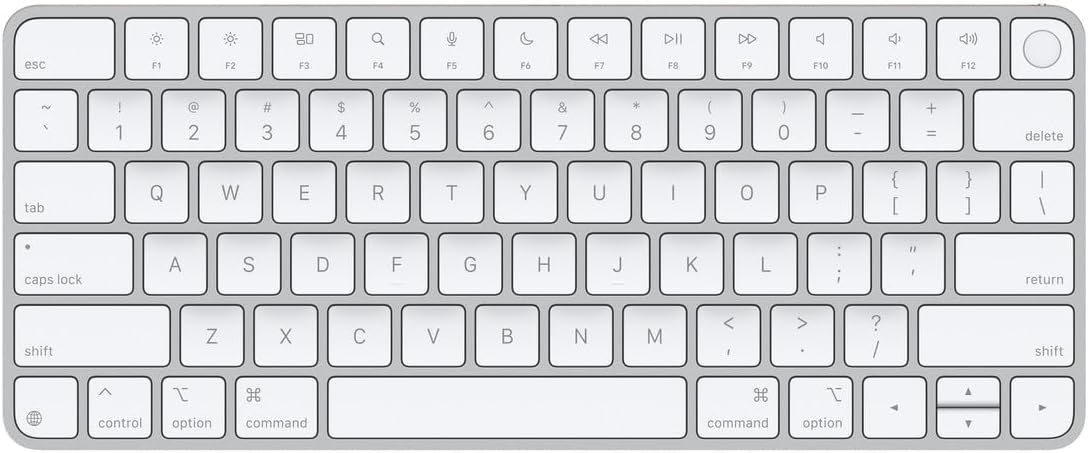
Apple Magic Keyboard with Touch ID: Pieter uses an Apple keyboard for its seamless integration with his MacBook setup. He values the responsive keys and compact design that fits easily into his daily bag. The Touch ID addition is a natural upgrade for quick, secure logins—perfect for a security-conscious maker who hops between devices and networks.
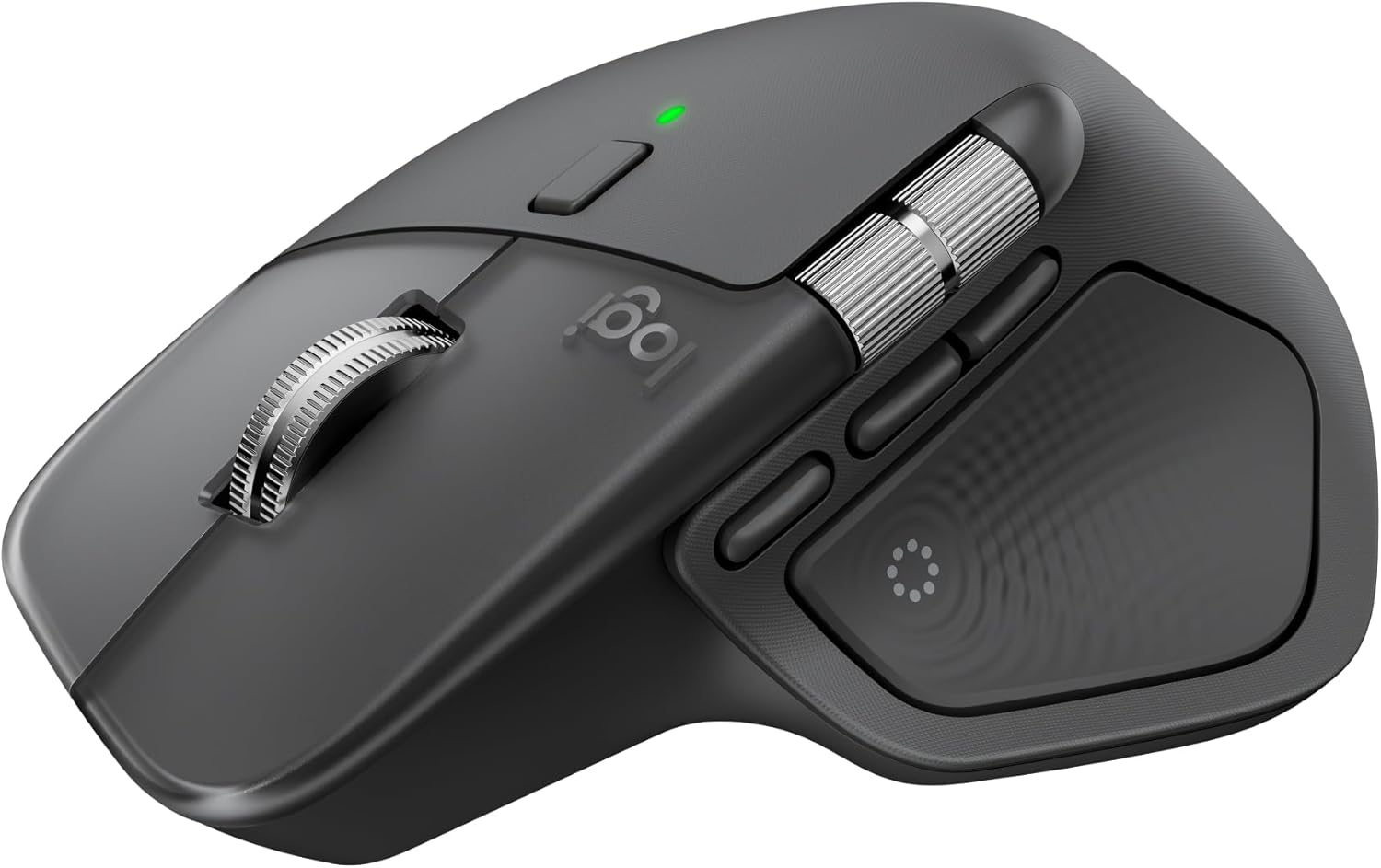
Logitech MX Master 4 (Upgrade from MX Mouse): This mouse is a staple in Pieter’s ergonomic toolkit. He likes the customizable buttons, long battery life, and precision tracking that make it feel like an extension of his hand. The original MX was lauded for comfort during extended use; the Master 4 builds on that with quieter clicks, better thumb controls, and multi-device switching—ideal for switching between laptop and other gadgets on the fly.
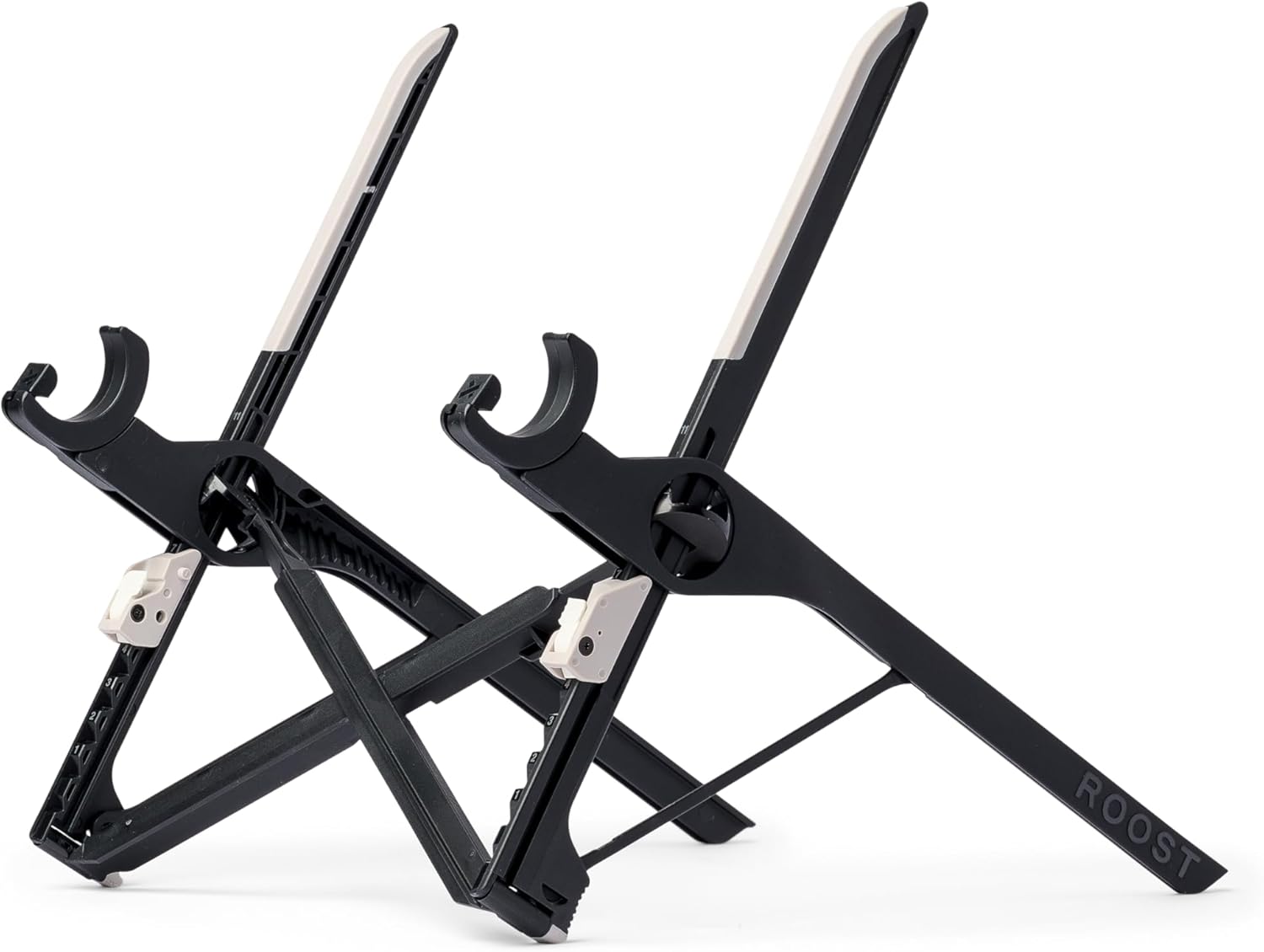
Roost V3 Plus (Upgrade from Roost Stand): To prevent neck pain, Pieter relies on the Roost stand to elevate his laptop screen to eye level. It’s lightweight, collapsible, and travel-friendly, folding flat for packing. He pairs it with his external keyboard and mouse for a full desk-like setup anywhere. The V3 Plus upgrade offers sturdier build quality and adjustable heights, addressing any stability issues from earlier models while keeping the portable ethos.
Pieter enjoys a good cup of coffee as part of his routine, opting for manual methods that are portable and deliver better flavor than instant.
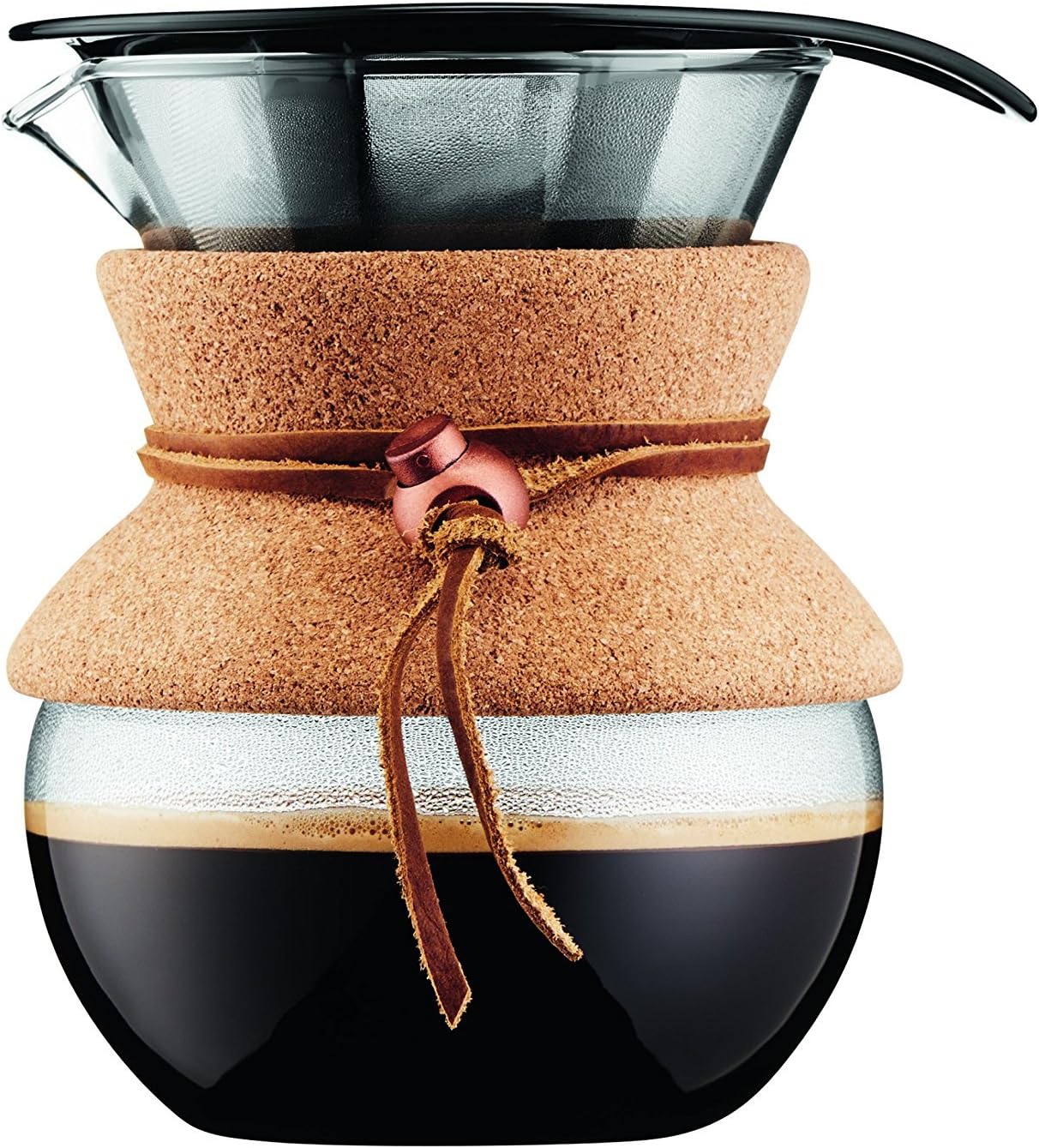
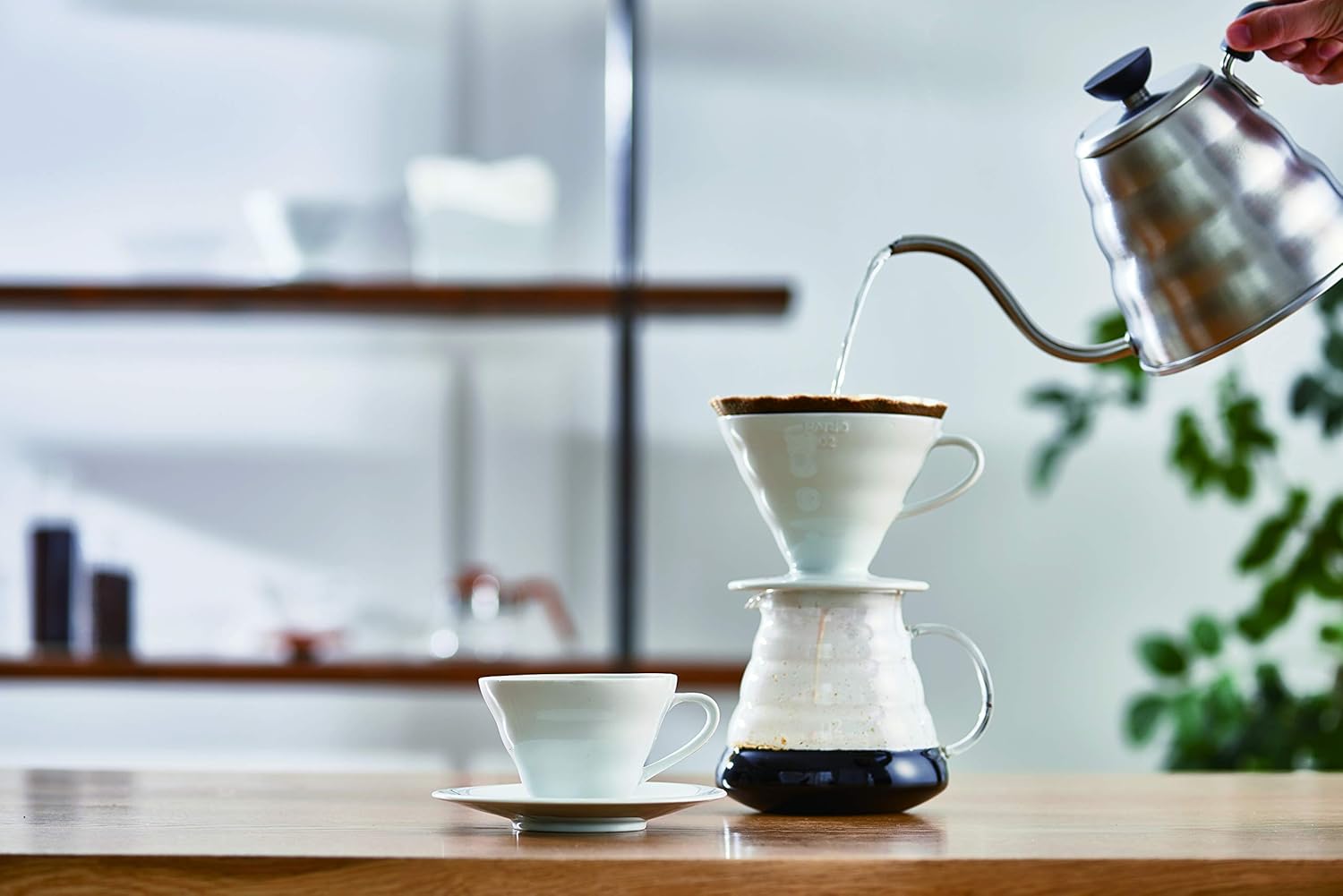
Pour Over Coffee Maker: For a clean, flavorful brew, Pieter favors pour-over setups. They’re minimalist, requiring no electricity, and allow control over extraction for that perfect cup. He likes how it turns a quick break into a mindful ritual, boosting focus during work sprints.
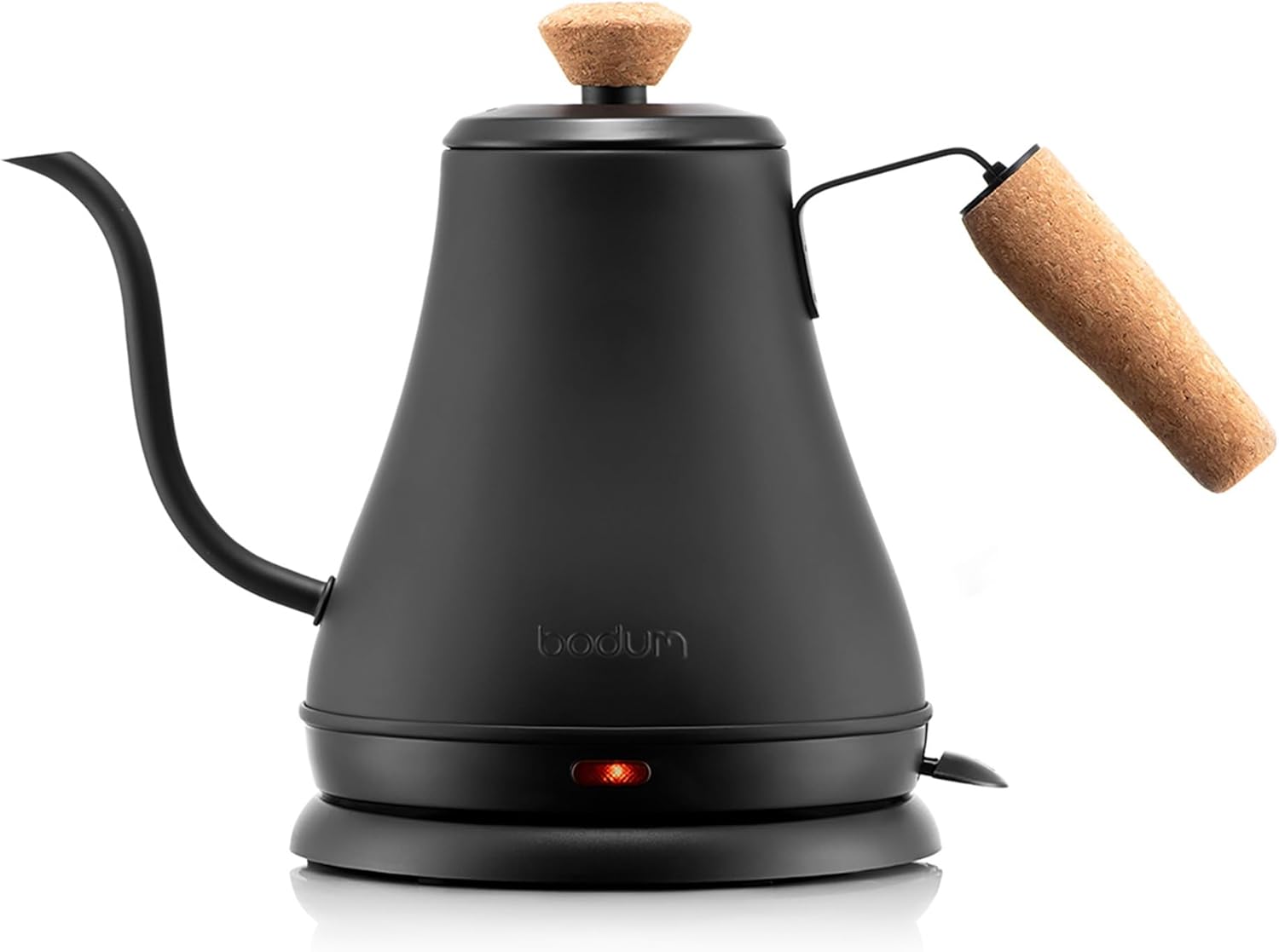
Gooseneck Electric Water Kettle: Essential for precise pouring in pour-over brewing, Pieter appreciates a gooseneck kettle’s control over water flow and temperature. Electric models heat quickly without needing a stove, making them nomad-friendly for hotel rooms or Airbnbs. He values the consistency it brings to his daily caffeine fix.
Hario V60 Ceramic Coffee Dripper: This is Pieter’s pick for its simplicity and excellent results. The ceramic material retains heat well, and the conical shape promotes even extraction. He loves that it’s durable, easy to clean, and packs small—ensuring great coffee without compromising on space in his carry-on.
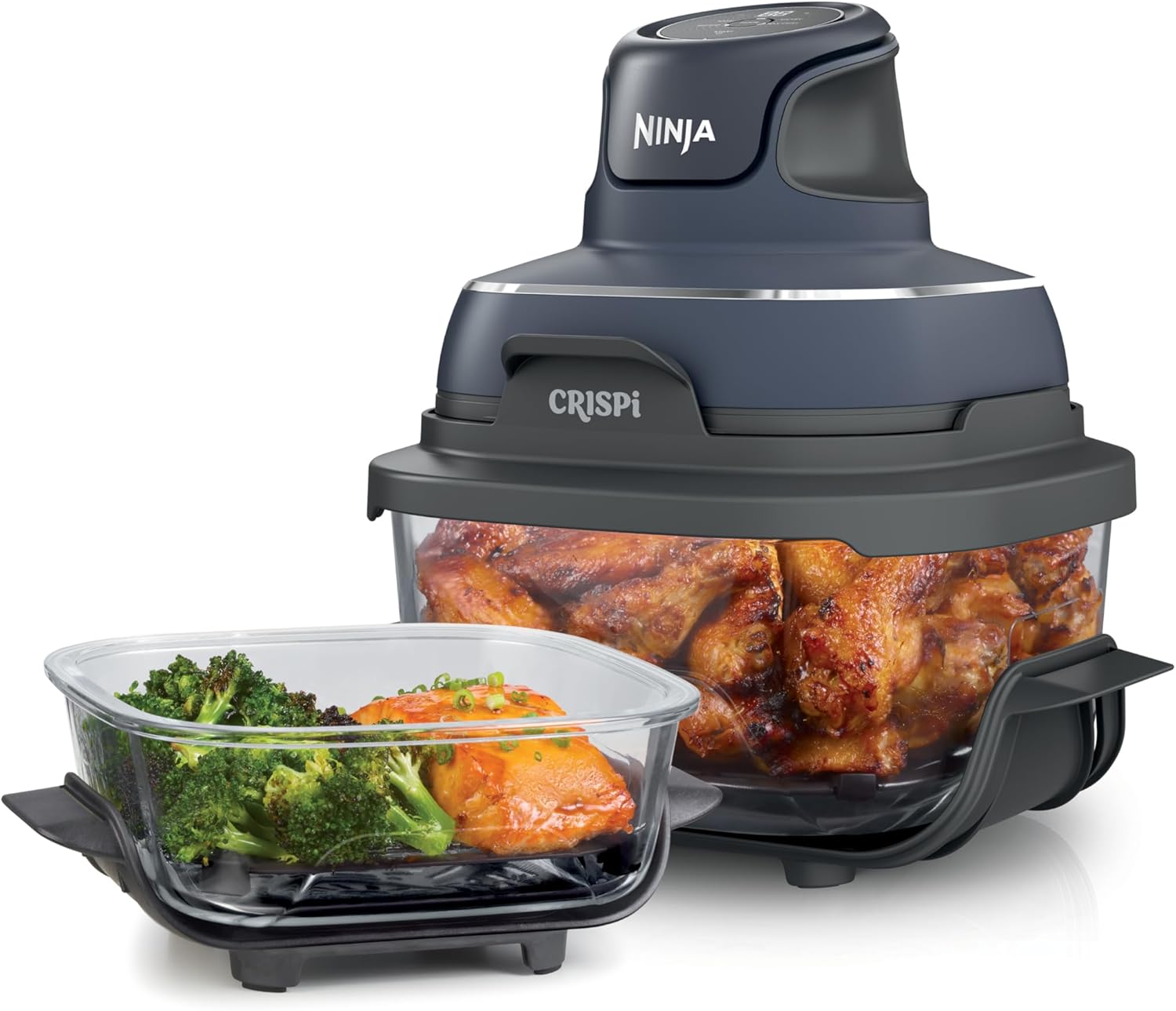
Ninja Crispi 4-in-1 Glass: Pieter raves about this air fryer for its health benefits and ease. He throws in frozen veggies or steak (with salt, pepper, and ghee), cooks in 10-20 minutes without preheating, and gets a nutritious meal. It’s safer than ovens (no burn risk), and he recommends replacing the Teflon insert with a stainless steel rack for a non-toxic setup. Great for solo or duo cooking, it’s his hack for eating clean while coding.
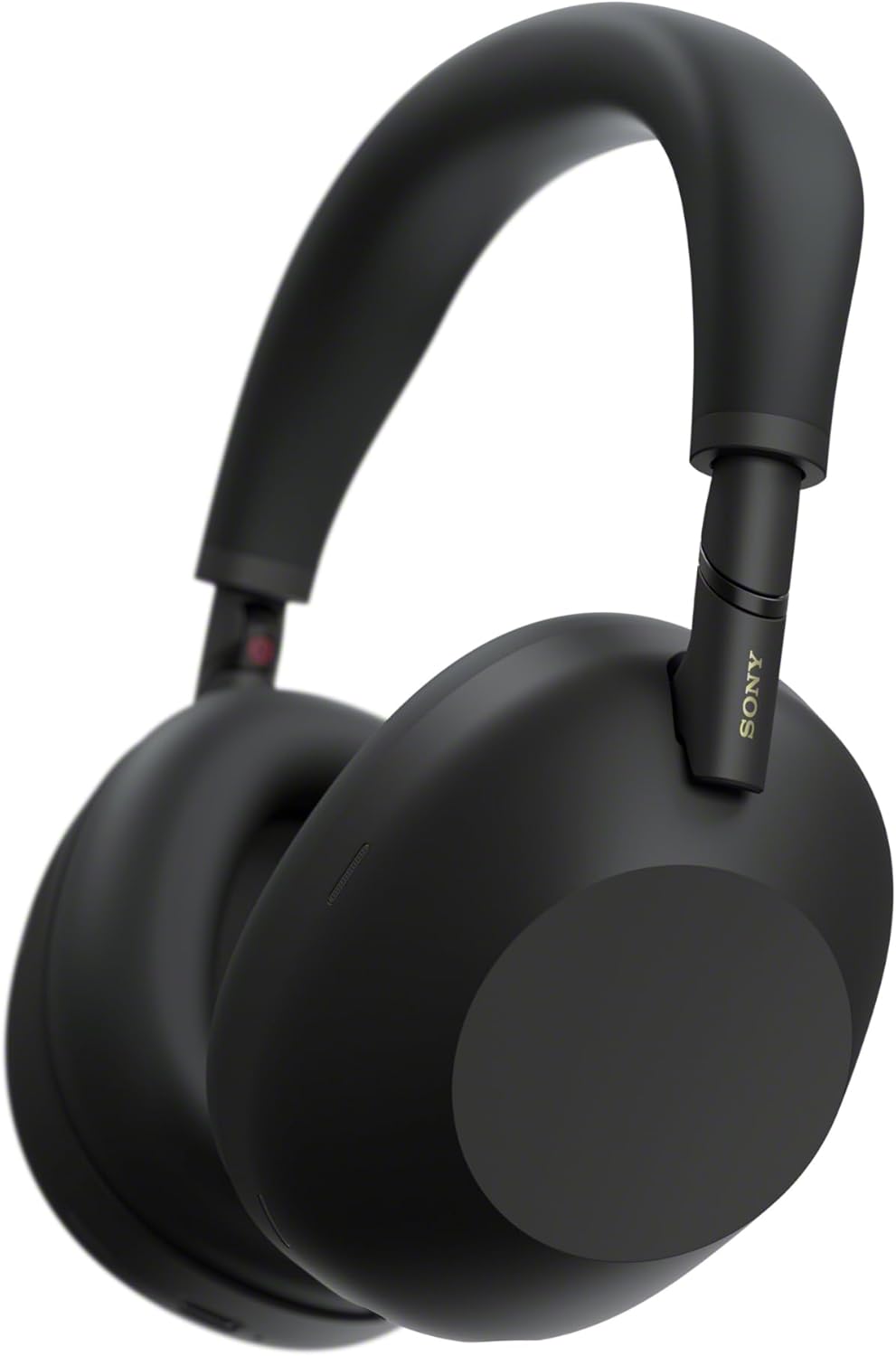
Sony WH-1000XM6 (Upgrade from earlier XM series): For blocking out noise in co-working spaces or flights, Pieter relies on Sony’s over-ear headphones. He praises the noise cancellation, comfort for long wears, and audio quality. The XM6 upgrade improves battery life, lighter weight, and better call mics—vital for a nomad handling remote meetings.
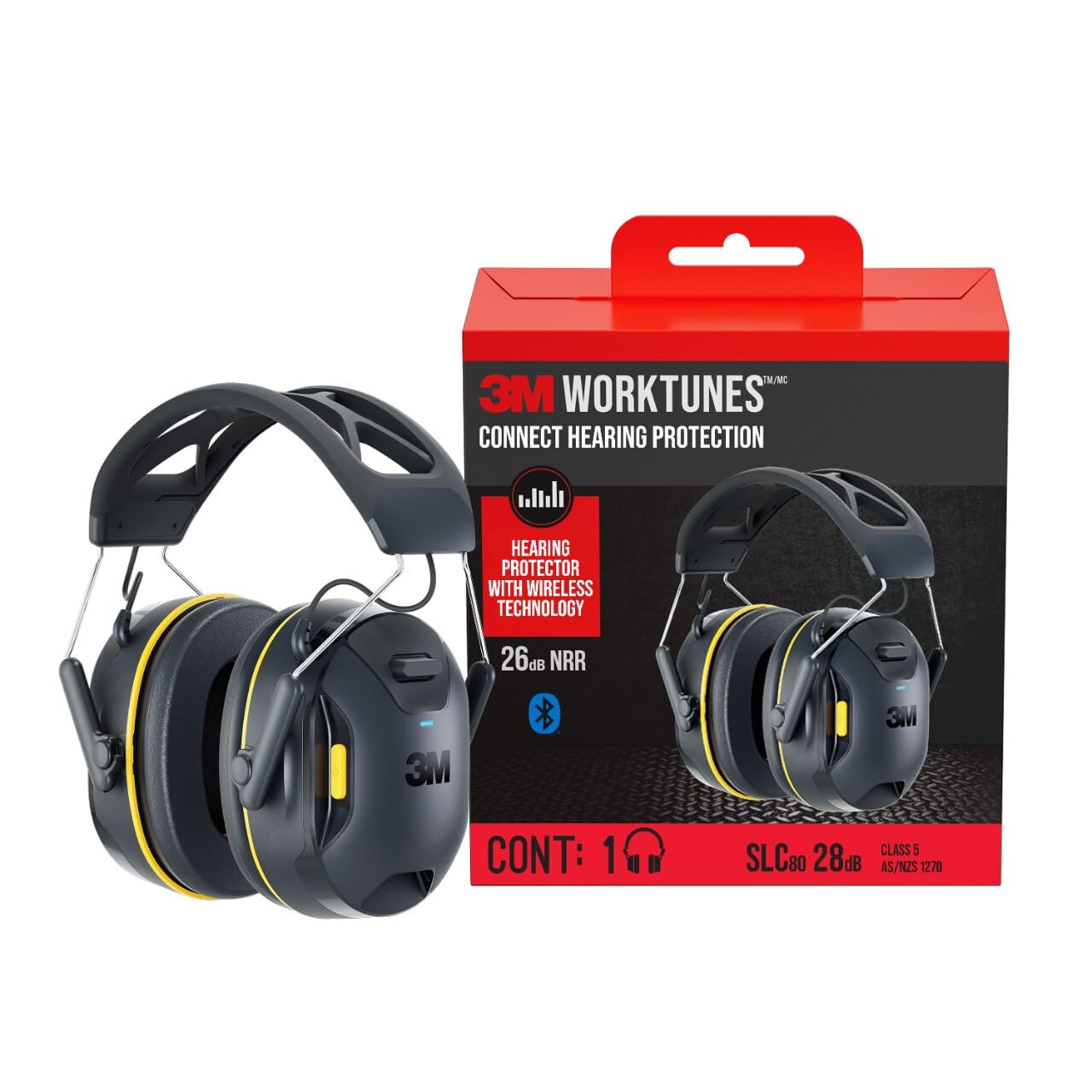
3M WorkTunes Connect: Pieter uses 3M products for ear protection, extending to these Bluetooth headphones with built-in hearing safeguards. They’re ideal for focused work in noisy environments or while multitasking (like mowing, if needed). He likes the combo of audio streaming and safety, ensuring productivity without damaging hearing—especially useful during travel or DIY tasks.
Pieter’s gear choices reflect his indie hacker ethos: invest in quality that lasts, minimizes hassle, and supports a balanced life. Whether you’re upgrading from his original picks or starting fresh, these tools help maintain momentum on the road. Check out his X feed (@levelsio) for real-time updates, as his setup evolves with new tech.